ACCESSIBILITY TRAINING

Build accessibility skills your team can use.

Connect accessibility knowledge with the decisions, checks and content your team handles every day.

AccessTekIT provides practical training for teams across Canada. We shape the topics, examples and exercises around your roles, experience and digital products, helping people apply what they learn to their own work.

KNOWLEDGE THAT SUPPORTS EVERYDAY WORK

When to bring us in

When people are new to accessibility

Give your team a shared starting point for understanding barriers, different ways of interacting and the purpose of accessibility requirements. Use examples connected to their work rather than a checklist alone. Agree which skills people need first and where specialist advice or further practice will be useful.

When teams need practical skills

Help designers, developers, QA professionals and authors practise the checks and decisions their roles involve. Work through examples, discuss what the evidence means and identify when a result needs investigation. Shape the session around the tools, platforms and publishing formats the team actually uses.

When findings keep recurring

Use patterns from existing reviews to focus learning on the decisions behind repeated barriers. Explore how a shared component, template or process contributes to the issue. Practise a better approach and agree where the team can apply it, with follow-up checks to support the next release or publication.

LEARNING SHAPED AROUND YOUR ROLE

Who the training supports

We agree the audience and starting knowledge before choosing the content. A mixed group can build shared understanding, while focused sessions give individual roles more time to practise.

Product and design teams

Explore how requirements, user journeys, content choices and interaction patterns can create or reduce barriers. Discuss labels, instructions, focus, errors and component states before implementation. Practise describing expected behaviour and the questions that need checking once a design becomes a working product.

Developers and QA teams

Work through semantic structure, keyboard operation, accessible names and dynamic behaviour in agreed examples. Combine manual checks, assistive technology and automated tools where appropriate. Practise documenting what happened, explaining user impact and identifying the next check needed to verify a correction.

Document and content authors

Build practical authoring habits for headings, links, text alternatives, reading order and tables in agreed formats. Review what can change during export and why source-file checks matter. Work through templates and examples that help authors prepare content for review and maintain improvements in later editions.

Communications and publishing teams

Consider the accessibility of emails, newsletters, social posts, graphics and multimedia. Practise writing useful alternatives, reviewing contrast and checking captions or transcripts in agreed examples. Discuss platform limitations and how essential information can remain available across the channels your audience uses.

AGREED TOPICS AND DEPTH

What your team can learn

Accessibility foundations

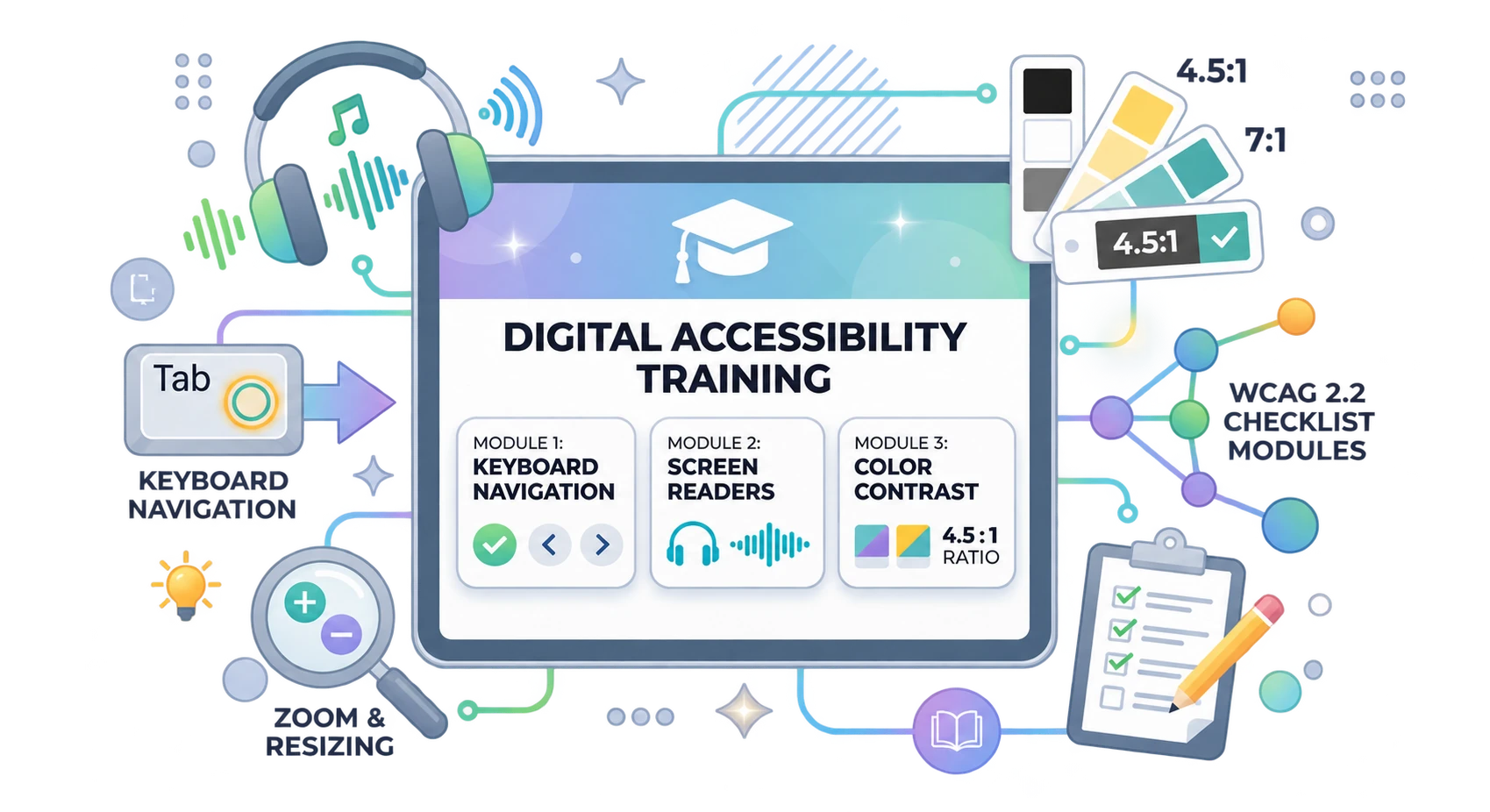
Connect common digital barriers with how people use keyboards, screen readers, magnification and other settings. Introduce WCAG concepts and conformance levels at a depth suited to the audience. Discuss why a successful automated scan does not establish that a complete experience is accessible.

Testing and interpreting results

Practise a repeatable approach to selected tasks, including keyboard navigation, focus visibility, reading structure and error recovery. Demonstrate agreed assistive technologies and scanning tools where relevant. Explain the limits of each method and how to record enough context for another person to investigate.

Accessible authoring and delivery

Apply accessibility considerations while creating or updating interfaces, documents and communications. Discuss reusable templates, component guidance and review responsibilities. Use practical exercises to connect an individual correction with the process that will help the team preserve it in future work.

FROM DEMONSTRATION TO PRACTICE

Learn it, try it, discuss the result

For a form exercise, participants might follow a task using the keyboard, identify where focus becomes unclear and compare the instructions with the information a person needs to continue. The discussion connects what they observed to the intended behaviour.

Participants then practise recording the issue or improving an agreed example. We discuss the result, explain open questions and identify checks that need a working build or a different environment. Exercises reflect the audience’s role and access to suitable tools.

DELIVERY THAT FITS THE TEAM

Choose the right learning format

Focused workshops

Concentrate on a defined topic or workflow, with demonstrations, guided exercises and discussion. Agree the session length, group size and prerequisites so there is enough time for practice. Useful for teams preparing to apply a specific skill in an upcoming project or publishing cycle.

Sessions for different roles

Give each audience examples and practice relevant to its responsibilities. A shared introduction can establish common language before deeper work with design, development, QA or authoring groups. Agree the topics across sessions so people understand how their work connects with the rest of the team.

Learning across milestones

Spread agreed topics over several sessions when the team needs time to practise between them. Review questions from that practice and build on earlier exercises. Confirm any follow-up support, materials and access arrangements in advance so expectations remain clear throughout the engagement.

TRAINING OUTCOMES AND MATERIALS

What your team receives

Agreed learning outcomes
A clear record of the audience, topics, starting knowledge and skills the sessions are intended to develop. We confirm the expected depth and prerequisites so your team understands what the training covers and what will require further practice or specialist support.
Practical demonstrations and exercises
Examples and guided activities connected to the agreed roles and formats. Participants have opportunities to observe, try a task and discuss the outcome. We identify tool or platform limits that affect the exercise and explain where a result needs more investigation.
Reference materials and next steps
Agreed notes, checklists or exercise resources your team can return to after the session. Materials reinforce the topics covered and point to relevant next steps. The format and any reuse arrangements are confirmed as part of the engagement.
Questions and follow-up notes
A record of significant questions, agreed answers and items requiring further review, where included. We distinguish learning questions from product findings that need evaluation. Any additional coaching, review or testing is agreed separately or explicitly included in the scope.

WORKING TOGETHER

How we plan and deliver the training

  1. Understand the audience

    Share participants’ roles, current experience and the work they need to do. Discuss access needs, platforms and the questions that prompted the training.

  2. Agree the learning plan

    Confirm topics, learning outcomes, format and prerequisites. Choose suitable examples and agree materials, session arrangements and any follow-up support.

  3. Demonstrate and practise

    Work through the agreed content with examples, exercises and time for discussion. Adapt explanations to participants’ starting knowledge and the session goals.

  4. Apply and follow up

    Review what participants can carry into their work, identify open questions and agree next steps. Plan further practice or support where it is included.

COMMON QUESTIONS

Questions before you start

Can the training be tailored to our team?

Yes. We agree the roles, experience, learning outcomes and relevant formats before preparing the session. Tailoring may involve selected examples from your work, subject to access and sharing arrangements. We keep the scope realistic for the available time and identify topics that need a separate session.

Do participants need technical experience?

That depends on the session. Foundation and authoring topics can be shaped for people without coding experience, while developer or advanced testing sessions may need specific knowledge and tools. We confirm prerequisites in advance so participants can prepare and the activities match their starting point.

Can you include screen readers and automated tools?

Yes, where they support the agreed learning outcomes. We can demonstrate or practise selected checks in suitable environments and explain the limits of the tools involved. A demonstration does not represent every person’s experience, and automated results need interpretation alongside manual evaluation.

Can we use our own website or documents?

We can discuss suitable examples you are authorized to share, including the required access and preparation. If an example is unsuitable for a group session, we can use an alternative. Training is not a complete audit of the material; any product evaluation or detailed remediation support requires an agreed scope.

Does training provide certification or guarantee compliance?

The sessions build knowledge and practical skills for the agreed topics. They do not certify a participant or establish that an organization or product meets every applicable requirement. Applying the learning, reviewing implementation and checking outcomes remain part of the team’s ongoing accessibility work.

KNOWLEDGE CENTRE

Build on the learning

Choose digital accessibility training

Identify the audience, learning outcomes and practice opportunities that matter for your team. Use the guide to prepare questions about scope, prerequisites, materials and applying the learning after a session.

Accessibility fundamentals

Develop a shared starting point for understanding digital barriers and different ways of interacting. Connect the basic concepts with the interfaces, documents and communications your team creates or maintains.

Screen-reader checks

Explore practical checks for content and controls, including the environment and task context needed to interpret results. Use the guide alongside hands-on practice and further evaluation of your own product.

YOUR NEXT STEP

What does your team need to learn?

Tell us who the training is for, what they work on and which skills would help them take the next step.