REMEDIATION GUIDANCE

Turn accessibility findings into working fixes.

Give your team clear direction to correct barriers in websites, apps, documents and published content.

AccessTekIT helps teams across Canada understand reported issues, choose suitable corrections and carry fixes through implementation. We connect recommendations to the affected task and agree how the result will be checked.

FROM FINDINGS TO ACTION

When to bring us in

After an audit or review

Bring the findings, affected journeys and supporting evidence. We help your team interpret the issues, confirm questions and turn recommendations into work items. Discuss which barriers block key tasks, which changes are shared across the product and which findings need more investigation.

When a fix is unclear

Work through a difficult interaction, recurring component issue or content problem with the people making the change. Compare suitable approaches against the intended behaviour and your platform constraints. Record the chosen direction and identify what must be checked in a working version.

When issues keep returning

Look beyond an individual page to the template, component or publishing practice behind repeated findings. Identify where a correction can be reused and where variations need separate attention. Agree guidance and review steps that help your team apply the improvement consistently.

IMPLEMENTATION SUPPORT

Where we can help

We agree the findings, materials and level of support before work begins. Your team implements the changes; our guidance supports those decisions and the checks that follow.

Websites and web applications

Work through semantic structure, names and labels, keyboard interaction, focus management, instructions and error handling. Connect a recommended change to the task a person needs to complete. Discuss shared components and responsive states so a correction can work beyond the original example.

Mobile applications

Discuss reported barriers in agreed iOS or Android experiences, including control labels, interaction order, focus and changes of state. Work with the application team on native or embedded components. Identify the devices, assistive technologies and task steps needed to check the implemented result.

Digital documents

Guide corrections in editable source documents, templates and exported PDFs. Discuss headings, reading order, tables, links, text alternatives and form controls where relevant. Identify what should change in the source and what needs checking after export, so later versions can preserve the improvement.

Digital content and communications

Support corrections to emails, newsletters, social graphics and multimedia in the agreed channels. Discuss meaningful link text, structure, contrast, text alternatives and captions. Record platform limits and practical publishing checks, including how essential information reaches people using different formats.

WORK THROUGH THE BEHAVIOUR

Fix the task, then check the journey

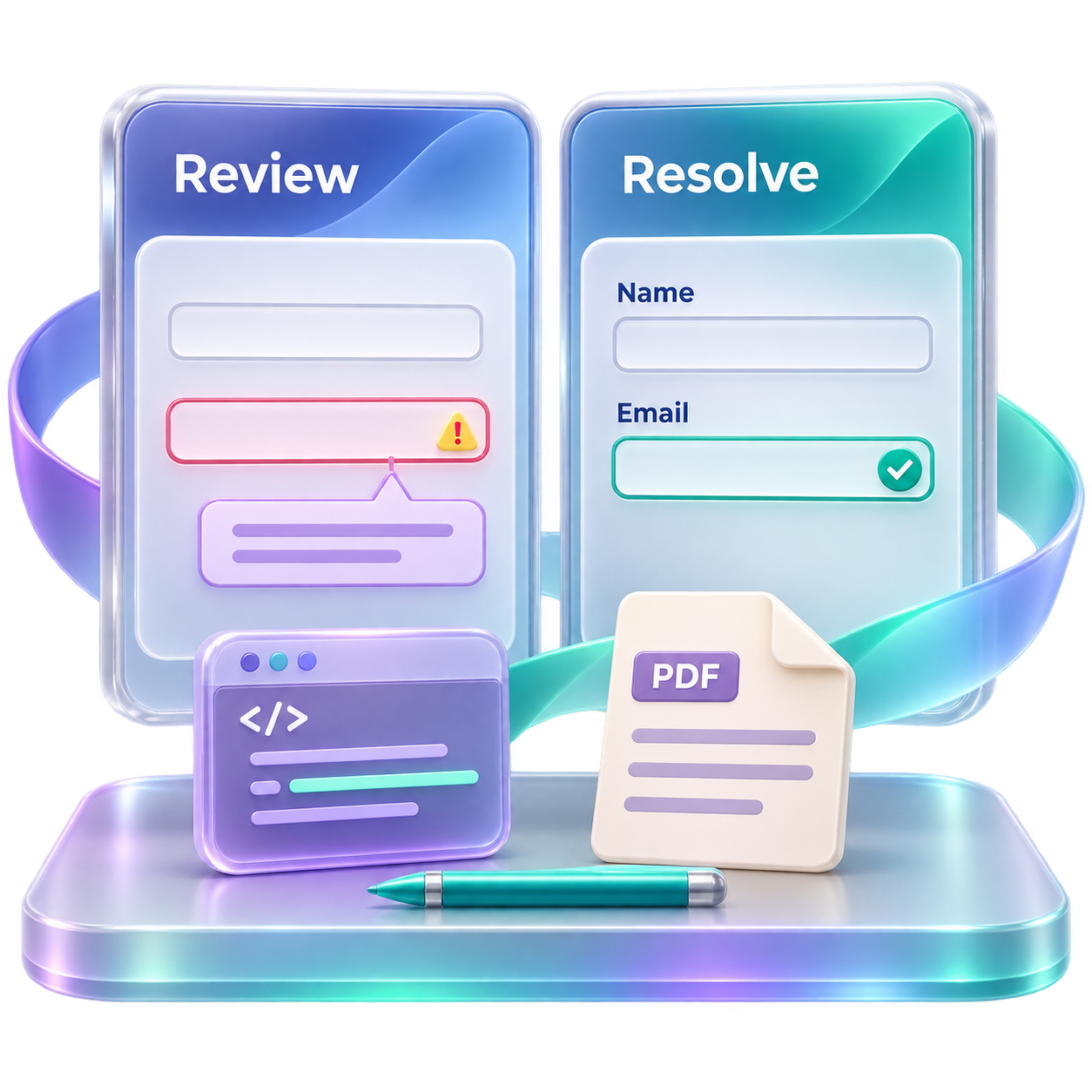
A booking form may flag an empty field without telling a screen-reader user where the problem is. A useful correction needs more than a visible error message: the label, error association, focus behaviour and instructions must work together.

We help your team describe the expected interaction, discuss the implementation approach and capture acceptance checks. The revised form can then be tested through entering details, recovering from errors and receiving confirmation.

USER IMPACT AND DEPENDENCIES

Make the work practical to deliver

Prioritize affected tasks

Use available evidence to discuss which barriers prevent completion, create substantial difficulty or recur across important journeys. Record the affected users and the consequences of the issue. Keep severity, implementation effort and business scheduling visible as separate inputs to the delivery decision.

Find the shared cause

Identify whether several findings come from one component, template, content pattern or supplier integration. Discuss where a shared correction is appropriate and where context changes the behaviour. Track dependencies so teams can coordinate changes and avoid closing related issues without checking their actual use.

Plan around constraints

Record platform limits, missing source files, supplier dependencies and access restrictions that affect a correction. Agree an owner and next action for unresolved items. Where an interim approach is considered, document its limits and how the team will review it rather than treating it as a completed fix.

REMEDIATION DELIVERABLES

What your team receives

Implementation guidance
Recommendations connected to the agreed findings, with expected behaviour, relevant examples and questions your team needs to resolve. Notes identify the affected task, implementation considerations and any assumptions that need checking in the working product.
Actionable work items
Clear descriptions of the problem and proposed correction, with ownership, dependencies and acceptance checks where agreed. Your team can carry these into its existing backlog and distinguish work awaiting a decision from changes ready for implementation.
Reusable correction notes
Guidance for shared components, templates or publishing patterns reviewed in the engagement. The record explains where an approach can be reused, which variations need attention and what developers or authors should preserve when making future changes.
Verification and follow-up record
An agreed plan for checking revised behaviour and tracking open questions. When retesting is included, the record identifies what was resolved, what remains, what could not be verified and any regressions found within the agreed coverage.

WORKING TOGETHER

How we work with your team

  1. Review the evidence

    Share the findings, product version and affected journeys. Confirm the scope, available access and questions that need investigation.

  2. Agree the correction

    Discuss the expected behaviour and suitable implementation options with your team. Record dependencies, ownership and acceptance checks.

  3. Support implementation

    Work through agreed questions as developers or authors make changes. Review examples and capture decisions that affect related content or components.

  4. Check and follow up

    Retest selected fixes where included. Record outcomes, remaining barriers and next actions, keeping the product version and coverage clear.

COMMON QUESTIONS

Questions before you start

Do you implement the fixes for us?

This service focuses on practical remediation guidance and support for the people changing your product or content. Your developers, authors or suppliers implement the corrections. We agree the support, materials and responsibilities before work begins, including any review of proposed changes.

Can you work from another provider’s audit?

Yes. Share the report, product version and supporting evidence so we can discuss its usefulness for the work. Some findings may need clarification or reproduction before a reliable correction can be recommended. Any additional evaluation is agreed as part of the scope.

Is retesting included?

Retesting is included when agreed in the engagement. We define the findings, revised build, environments and surrounding tasks to check. Guidance alone does not confirm that a barrier has been resolved; the updated behaviour needs verification.

Can you help with supplier-controlled components?

We can help clarify the reported issue, expected behaviour and questions to raise with the supplier. The available correction depends on who controls the component and what the platform supports. We record unresolved dependencies and agree appropriate follow-up with your team.

Does fixing these findings make the whole product conformant?

Resolving selected findings does not establish conformance for the whole product. A conclusion depends on the agreed evaluation scope, applicable criteria and evidence. We keep the scope and limits clear and can discuss a broader audit when your team needs that assessment.

KNOWLEDGE CENTRE

Carry improvements into everyday work

After an accessibility audit

Move from reported findings to ownership, priorities and follow-up. Use the guide to organize remediation work and plan how your team will review evidence before closing an issue.

Implementing accessibility

Connect accessibility work with the way your team designs, builds and maintains digital products. Plan responsibilities and practical review points that support consistent changes over time.

Accessible document workflow

Improve source documents and the publishing steps around them. Plan authoring checks, export reviews and ownership so corrected templates can support the next document your team creates.

YOUR NEXT STEP

Which barriers is your team working to resolve?

Tell us what has been reported, where the work is blocked and when you need the corrections ready for review.